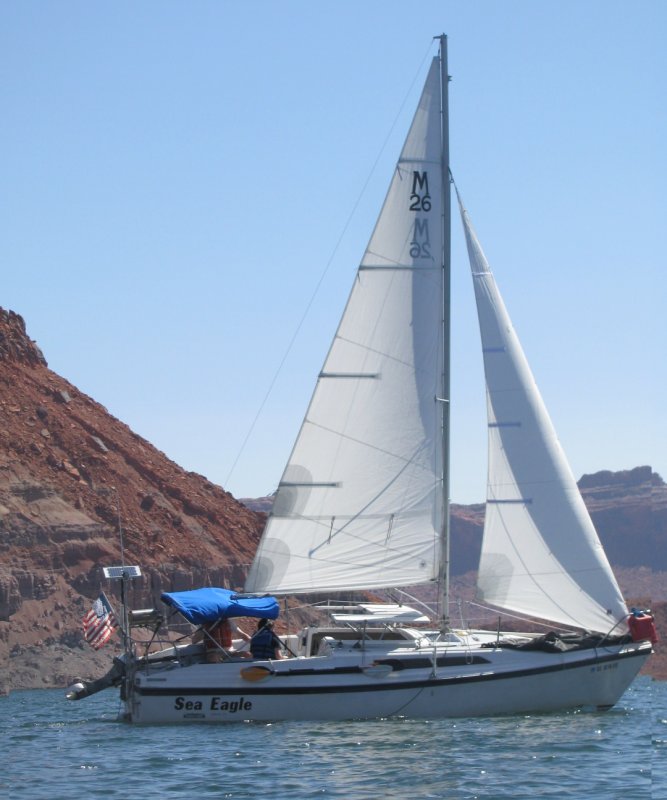
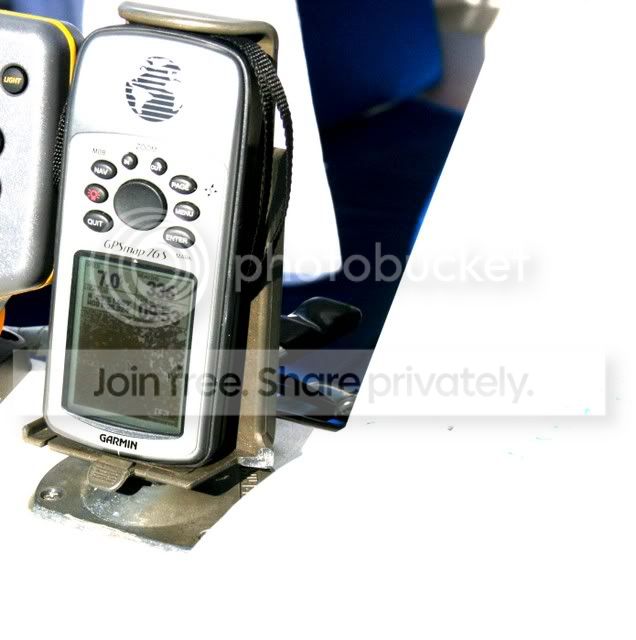
.........Sum, how do you get the pictures big like that? I wanna post like the smart guys! thx JDK
This might not be easy and will be a little convoluted, but if you are smart enough to sail that fast then you are smart enough to do it

....and if not you can always blame it on the teacher
.
First putting the picture in your post depends where the picture is. It is either going to be already on the Internet on your site or someone else's. The other situation, which I think might be yours, is that the picture is on your computer.
Lets do the situation where the picture is on the Internet either on a site you visit our your site. Start your post and get to where you want the picture. Then open a second window and go to the site where the picture is.
1. Right click on the picture. That will open a window with a menu.
2. Go to the bottom of the window and click on "properties". That will open another window.
3. Go to the Address (URL) section. To the right of it is the web address of the picture. Drag over all of it noting that it might be more than one line long. Drag down and to the end of it.
4. Right click on the highlighted area and when the next window comes up click on "copy".
5. Now go back to your post and click on the "insert image" icon above the message window to the left of "You Tube" icon.
6. Drag across the "http://" highlighting it and then "right click" on the highlighted part and click on "paste" in the new window and the picture address that you copied off of the other site will be inserted.
7. Click "OK" and you are done and the picture is in the post.
Now the picture will only be as large as it was on the other site. In the instance of the second picture you posted above here is what it looks like when I do what I just described.
Note that it is smaller than the other picture I posted of yours. Most Likely because where you got them from they were different sizes. What I posted above sounds like a lot, but it is fast once you do it a time or two. I just posted the above picture in less than 15 seconds.
====================================
OK now what if the picture is on your computer and not on the Internet.
Start your post like normal. When you want to put a full-size picture in use the "attachment" option above the message window (the camera icon) and attach the picture to the post. This will upload the picture from your computer onto the site.
Now that you attached it go to the "Preview Post" command under the message window and click on that. You will see your post with the attachment at the bottom of it. Click on the "attachment" and it will open another window with the photo full size. Now that it is full size you can copy it into the post like I told you in "Part I" of this above.
I did that with the following picture as I'm typing these instructions.
It isn't that hard once you do it a couple times. Don't forget that to do an attachment there are sizes that will be allowed.
Good luck and ask questions if this isn't clear. I don't want the teacher to be blamed for any failure
.
c ya,
Sum
Our Trips to Lake Powell, UT - Kootenay Lake, Canada - Priest Lake, ID
Our Mac Pages
Mac Links